> ## Documentation Index
> Fetch the complete documentation index at: https://docs.prismy.io/llms.txt
> Use this file to discover all available pages before exploring further.
# Set Up Your Glossary
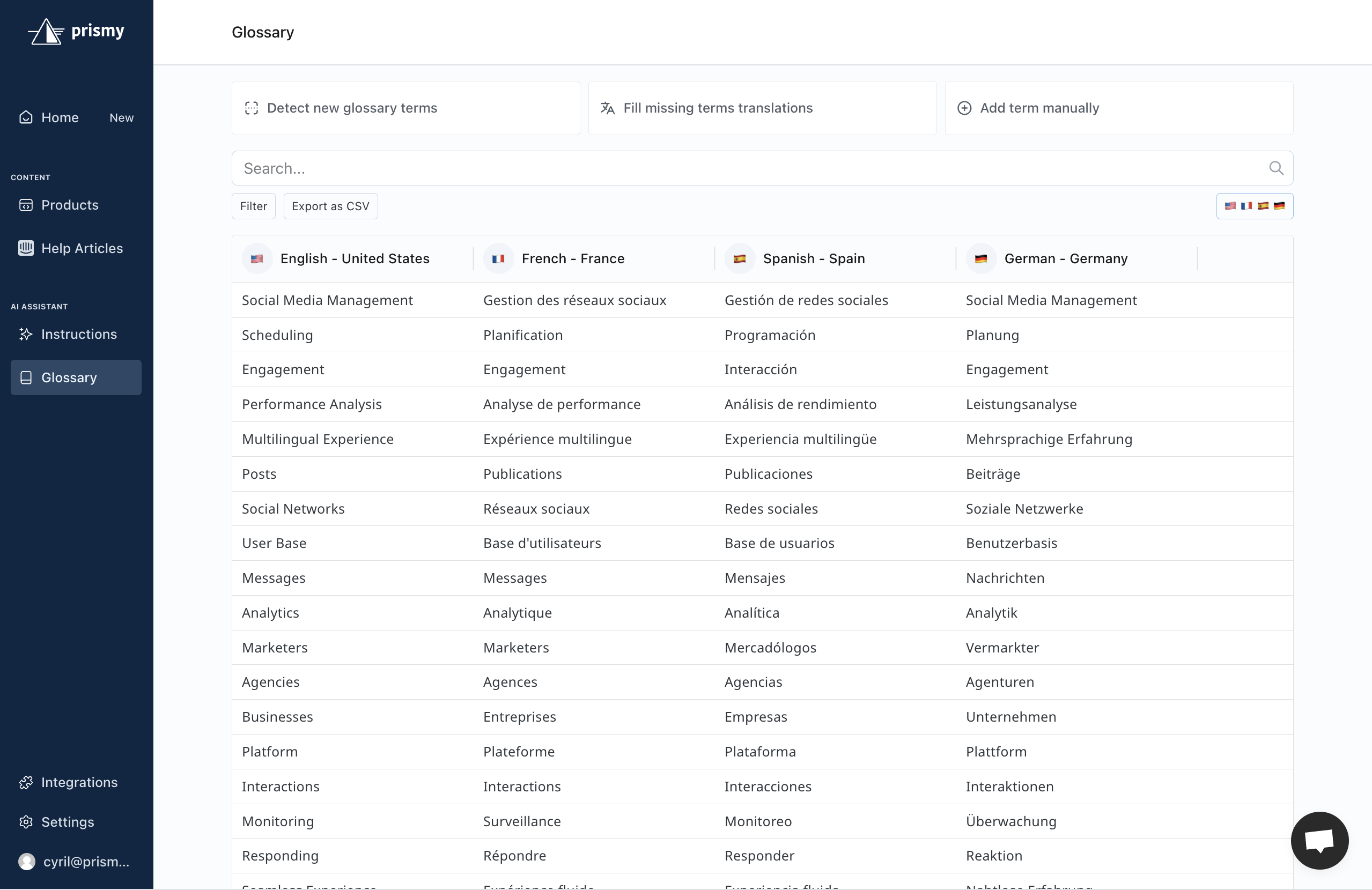
Once you've completed your company description, the next important step is to configure your glossary.
Your glossary is a curated list of key terms that are important to your business — terms you want translated the same way every time to ensure consistency across your content.
**Important:** We highly recommend generating the glossary in the target
language *before* initiating translations. This is the only way to guarantee
consistent terminology in your newly translated content.
**Tip:** Having your glossary set up in at least two languages helps the AI
produce even better translations. For example, knowing that “Stage” translates
to “Étape” in French helps the AI pick the most accurate equivalent in
Spanish.
## Glossary Generation
The good news? We’ve made it super easy to generate your glossary!
At the top of the Glossary page, you’ll find two options:
* `Generate glossary terms from a source language`
* `Generate glossary terms translations into a target language`
These actions are based on your current content and wordings.
You can access them directly in the [Glossary tab](https://app.prismy.io/glossary).